Inviting the Swyft Meeting Bot to Your Meetings
Last updated: February 3, 2026
Note: This guide assumes the Meeting Bot has already been enabled for your org and end users. If not, please see the setup guide for enabling the bot first.
Once the Swyft Meeting Bot is enabled for both your organization and your individual account, you can invite it to your meetings in just a few steps.
Steps to Invite the Meeting Bot
Go to Team Meetings
Log in at https://app.swyftai.com/dashboard/activities
Click “Invite Meeting Bot”
Use the button in the top-right corner of the page.

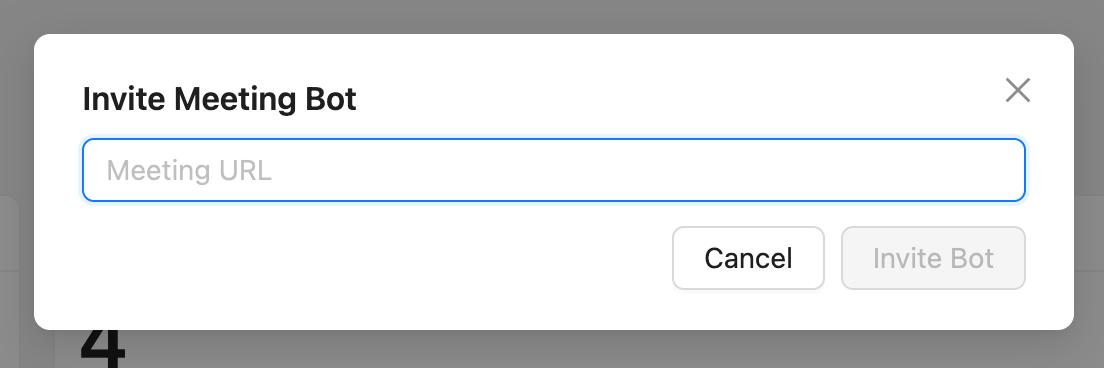
Paste Your Meeting URL
Enter the join link for your meeting. Supported platforms include:
Zoom
Microsoft Teams
Google Meet
Bot Joins Your Meeting
The bot will initiate and attempt to join your meeting.
This may take a few seconds.
If your meeting platform uses a waiting room or lobby, you may need to manually admit the bot.